|
Current UPDATE 2.5.9 is available!
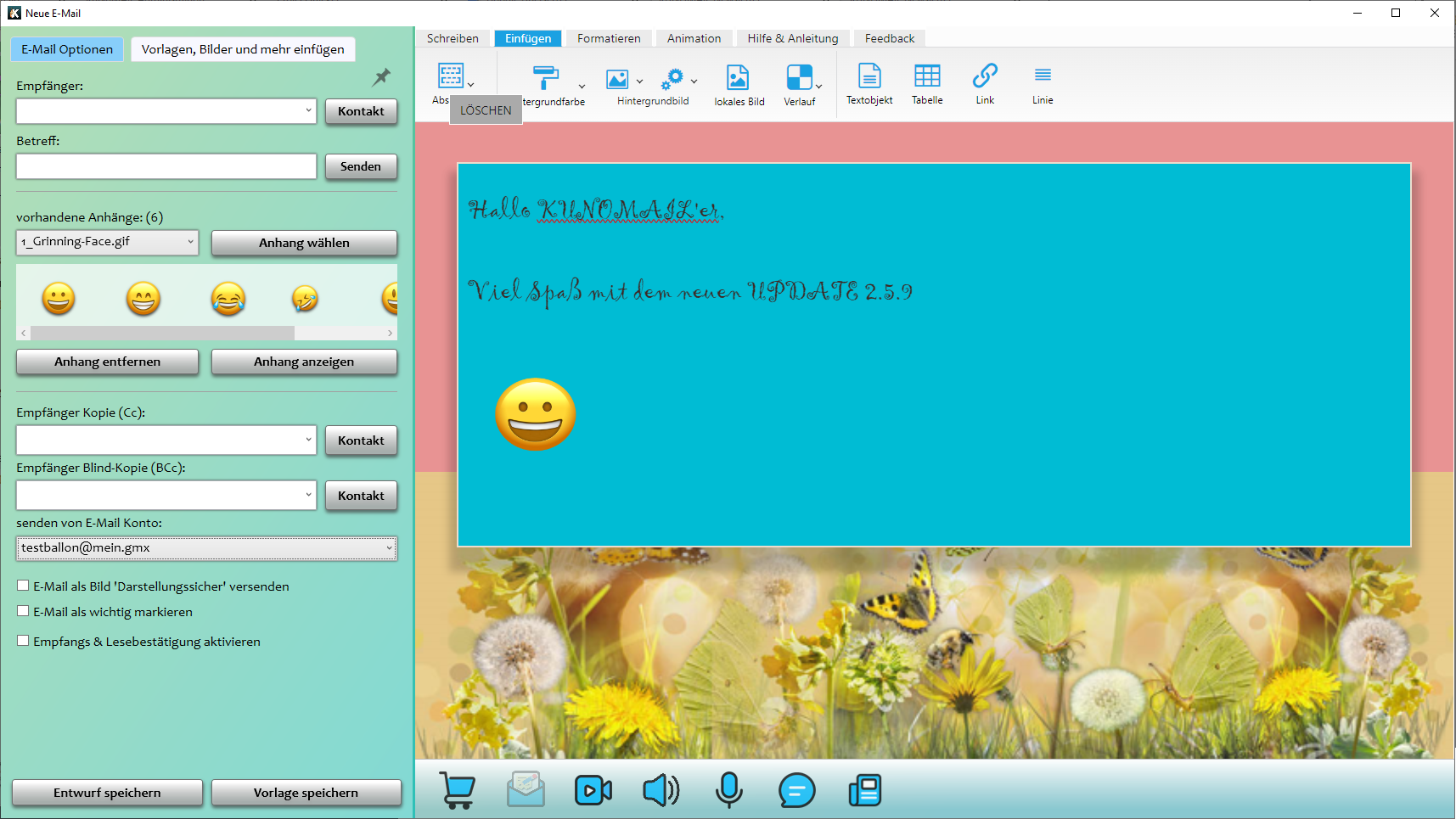
E-Mail Attachments can now be inserted via drag & drop.
The following optimizations are included in Update 2.5.9:
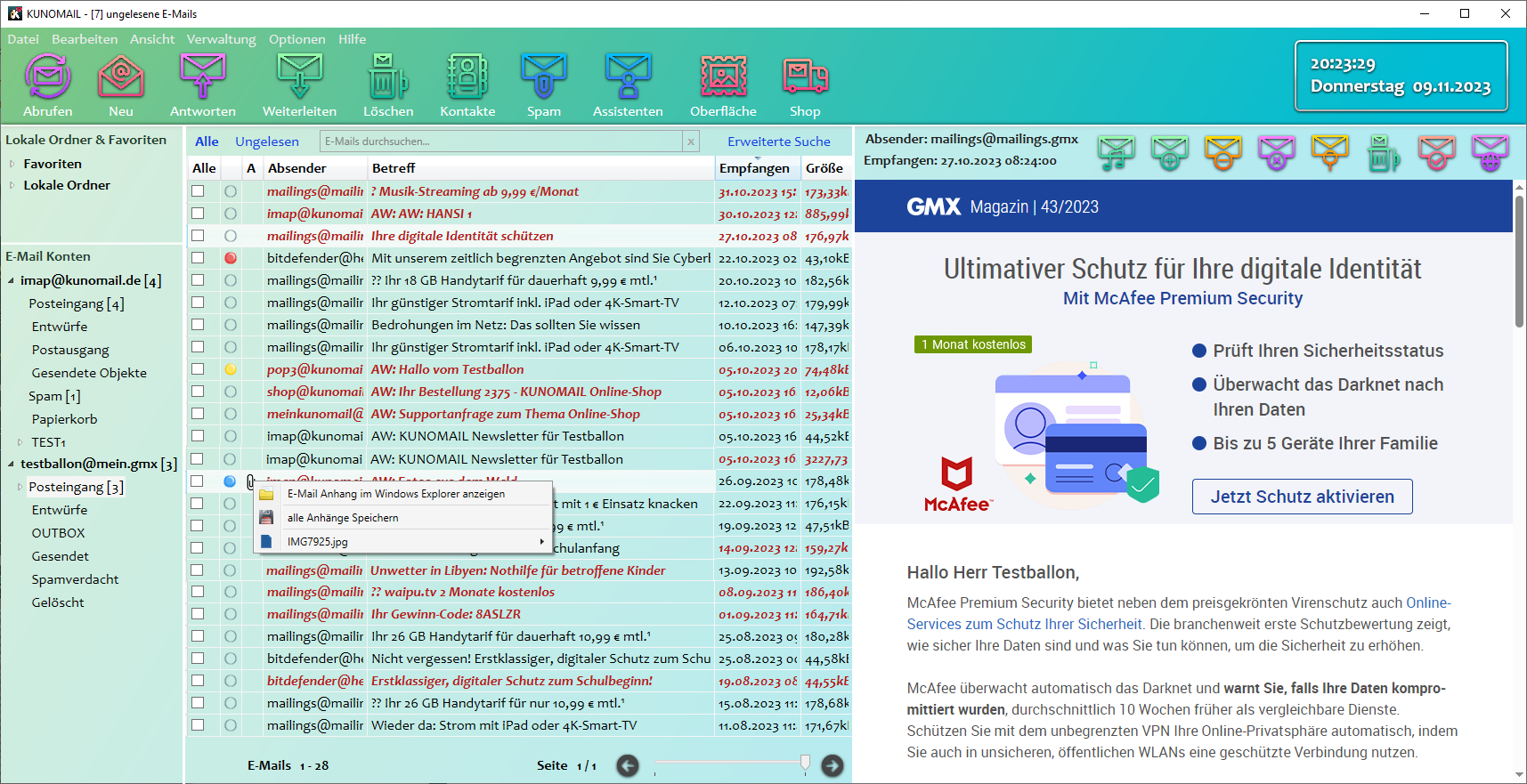
- new eMail Attachment function shows eMail Attachments in Windows Explorer
- Add Attachments via drag and drop in the eMail dialog
- Improved overview of existing attachments in the eMail dialog
- set frames are removed from an eMail before sending
- Letter Creator Surface Identifier Color
- and all previous and further bug fixes here read
Simplified handling of E-Mail Attachments
|
|
In the eMail Dialog, attached Attachments are displayed in a preview and Attachments can now be inserted via drag & drop. In the eMail overview, eMail attachments can be displayed directly in Windows Explorer.
|
|
|
Subscribe to our YouTube channel and stay up to date with video tutorials and helpful tips.
|

|
If you missed a newsletter, you can read it here.
KUNOMAIL Newsletter from 27.10.2023
Problems with email accounts are displayed directly in the navigation
...read more

|
| |
KUNOMAIL Newsletter from 19.10.2023
New options available: “Delete eMails directly and do not move them to the trash” and “Storage location for eMail attachments”
...read more

|
| |
KUNOMAIL Newsletter from 07.10.2023
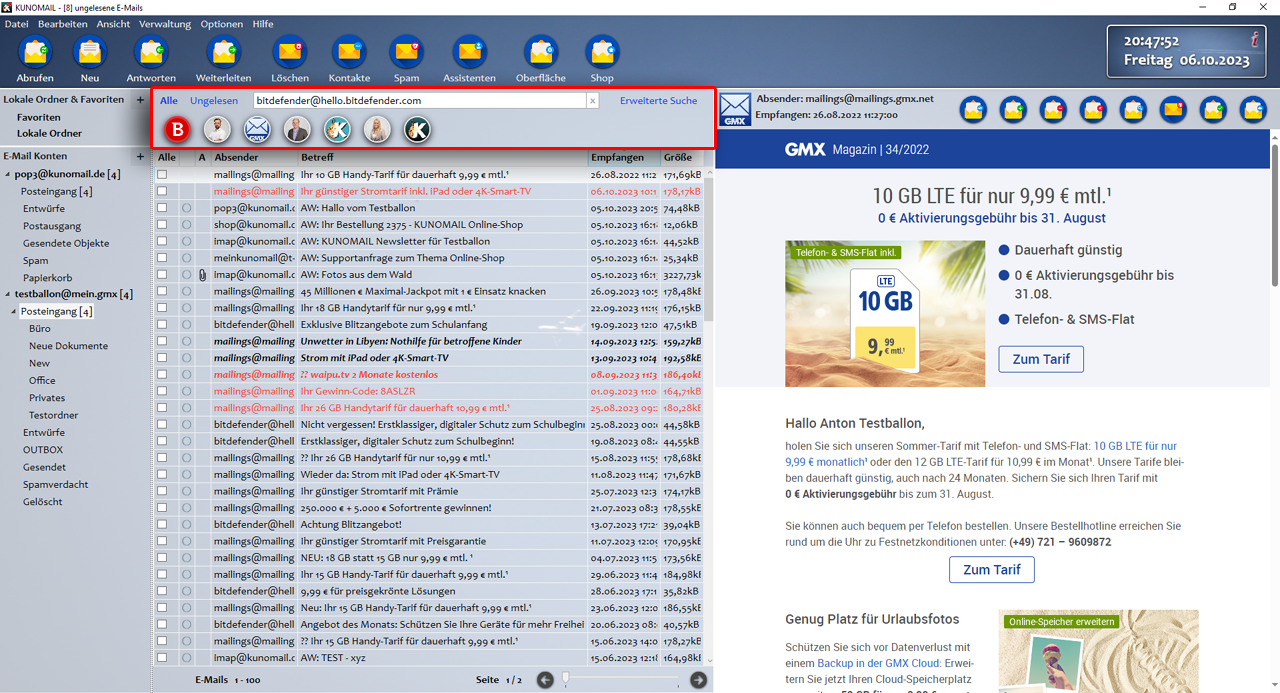
With the new “eMail Filtering” option, it is even easier to search and filter even large eMail archives.
...read more
|
| |
KUNOMAIL Newsletter from 07.09.2023
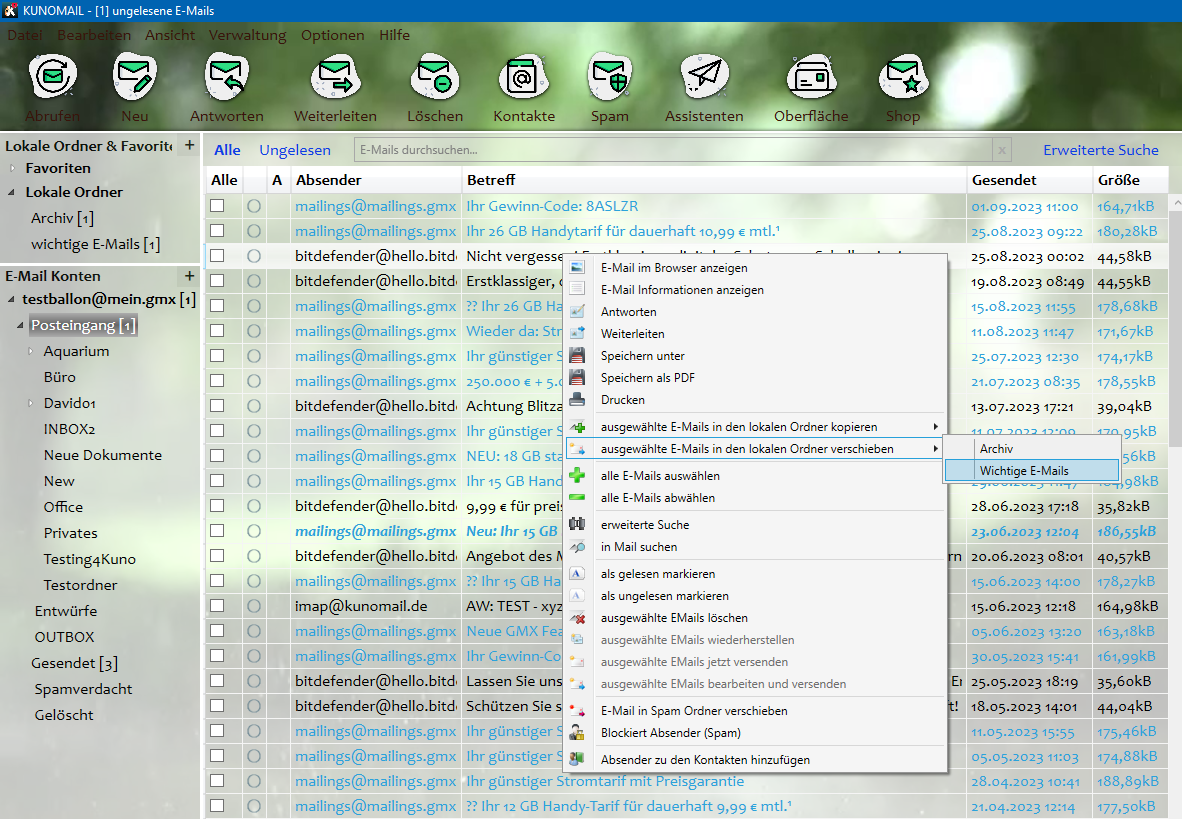
Easily and quickly add eMails to an archive or local folders.
...read more
|
Subscribe to our channels and automatically receive information about your KUNOMAIL.
|