|
KUNOMAIL Update Version 3.2.7
KUNOMAIL is back from its summer break and has a fresh update!
Important information about support:
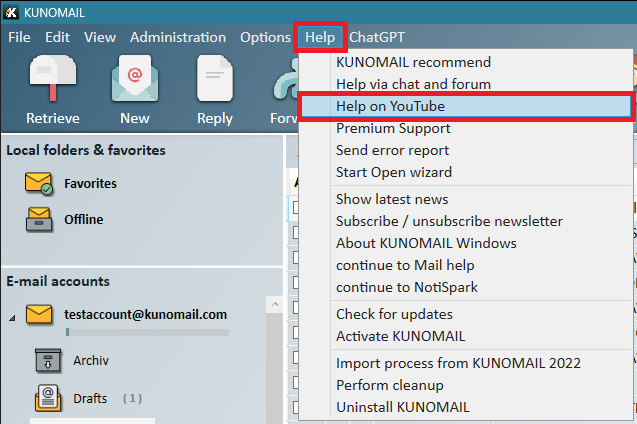
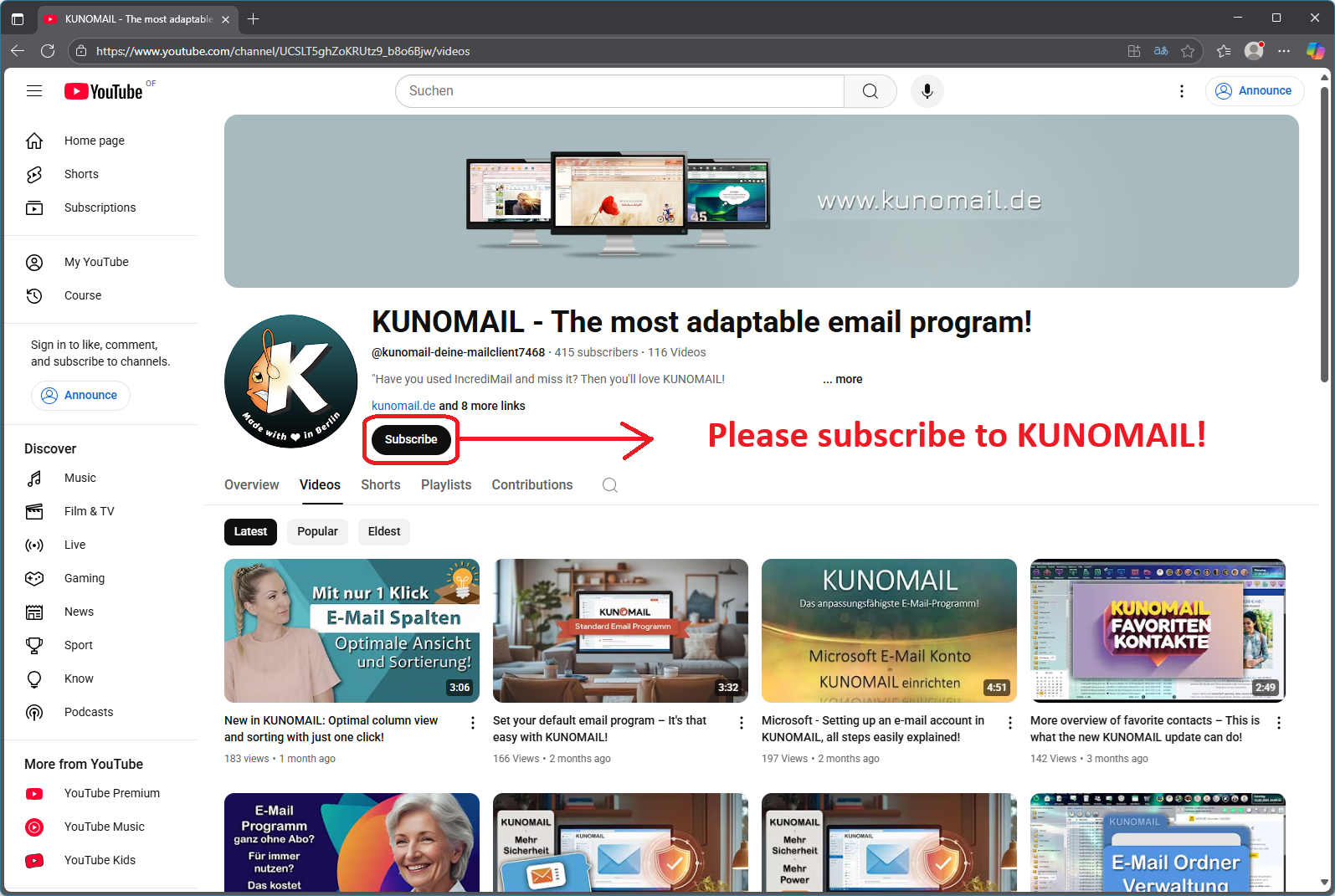
We would like to ask you to subscribe to our YouTube channel if you haven't already.
Why is this important?
Because in the future, we will only be able to answer support requests via email to a limited extent if the topic is already explained in one of our YouTube tutorials.
You will already find many helpful videos there – and we are constantly expanding this section to provide you with the best possible support. Thank you for your understanding and support!
Improved email account management – more clarity, fewer problems!
With the new update, setting up and managing email accounts is significantly easier:
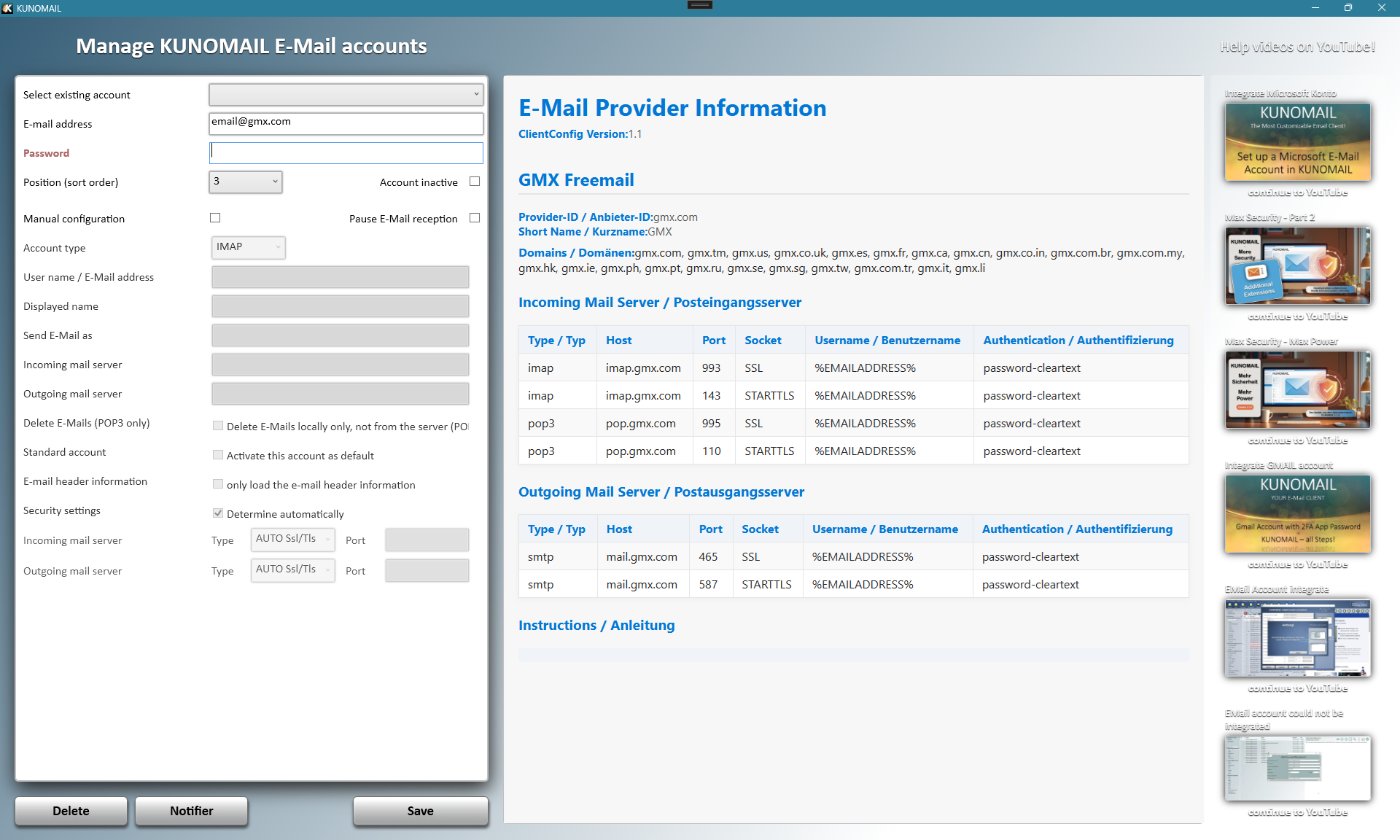
From now on, KUNOMAIL displays additional information about the respective email provider directly in the account management.
As soon as you enter an email address or select an existing account, you automatically receive helpful details about the provider – including website links to the provider's most important support and information pages.
No more tedious internet searching – everything is right there in KUNOMAIL!
|
Writing emails is now even more convenient!
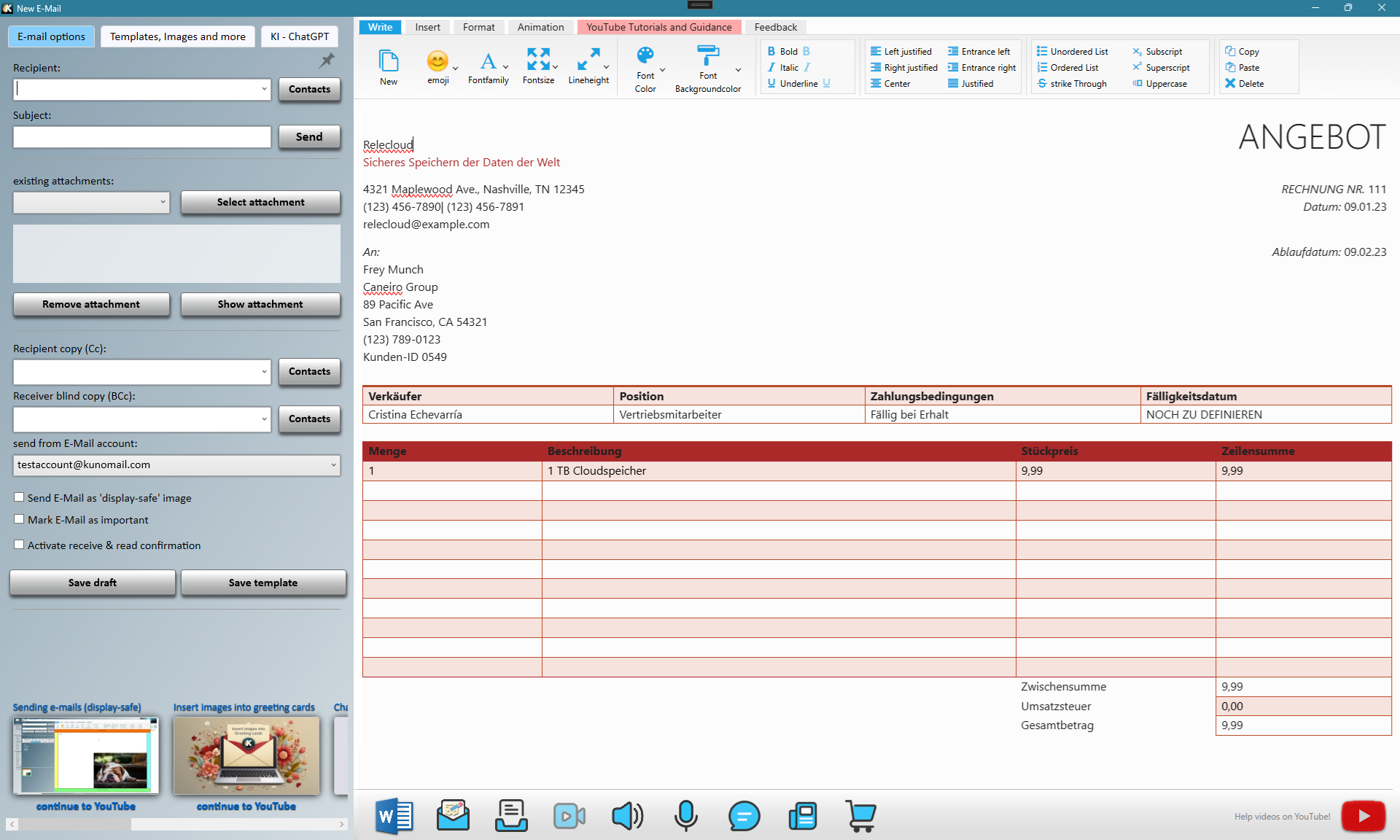
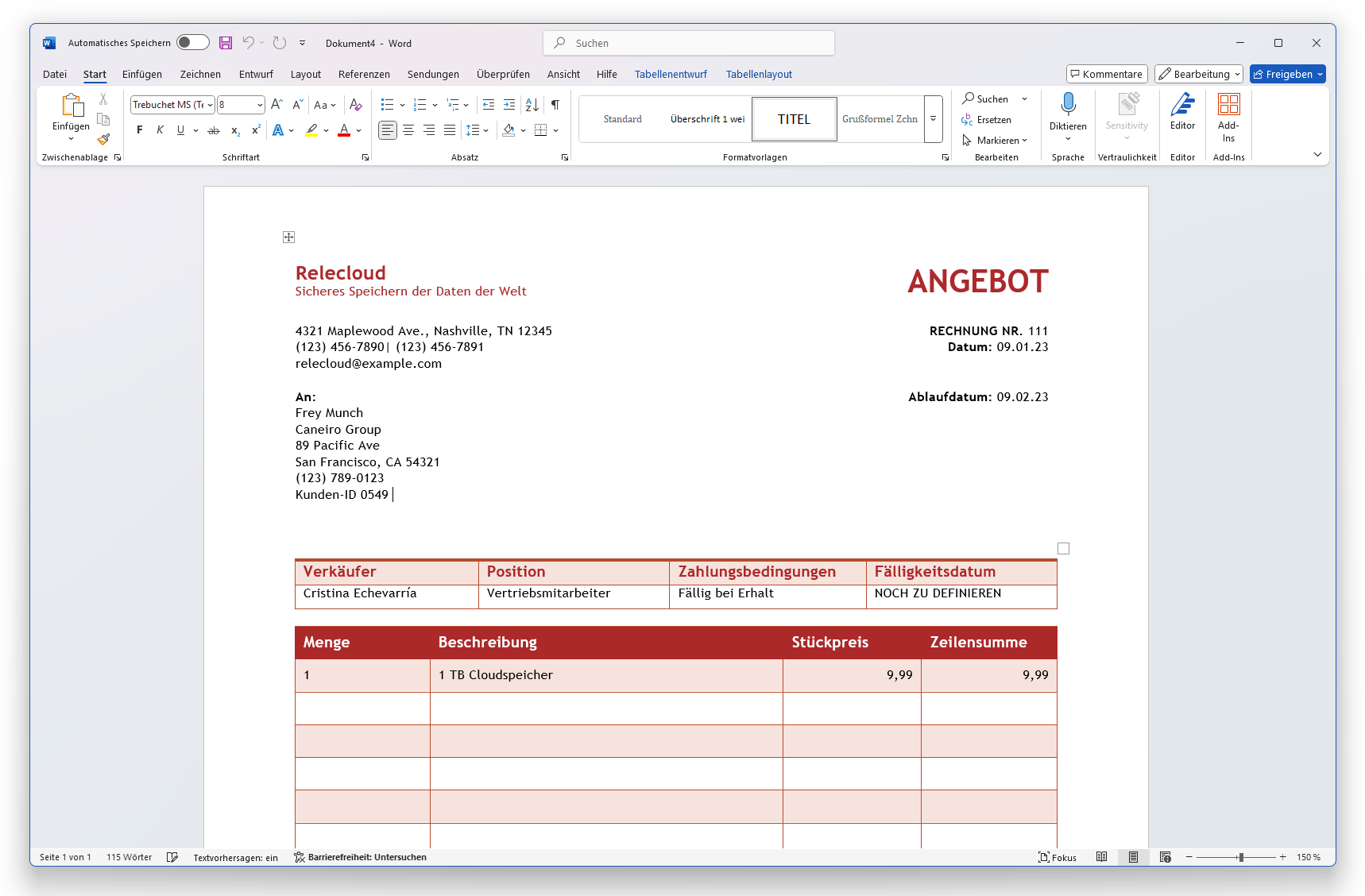
If you have Microsoft Word installed on your computer, you can now import the contents of a Word document directly into a KUNOMAIL email with just one click.
This is especially useful for anyone who wants to send more complex texts or formatted content directly in the email body (and not as an attachment).
Simple, fast, and without detours – directly from Word to your email.
And that's just the beginning: In the future, KUNOMAIL will support additional programs to make exchange and integration even more versatile.
The current update includes the following improvements:
- Additional account information is now displayed in the email account management.
- Backing up and restoring email accounts with KUNOMAIL backup.
- Importing from Microsoft Word into an email.
- Magic Editor: Bulleted and numbered lists are swapped (bug fix).
- When composing a new email, the contact list is displayed open.
- The wizard is not displayed for incoming emails (bug fix).
Now it's your turn!
Test the new update and share your experiences with us. To further improve KUNOMAIL, we warmly invite you to support us with constructive criticism and suggestions for improvement. We look forward to your feedback!
Subscribe to our channels and automatically receive information about your KUNOMAIL.
|